Neuro N6
Vision AI on an Arduino-compatible board. Run real-time neural networks from a single sketch, with no cloud and milliwatts of power.
// if you can blink an LED, you can run a neural network
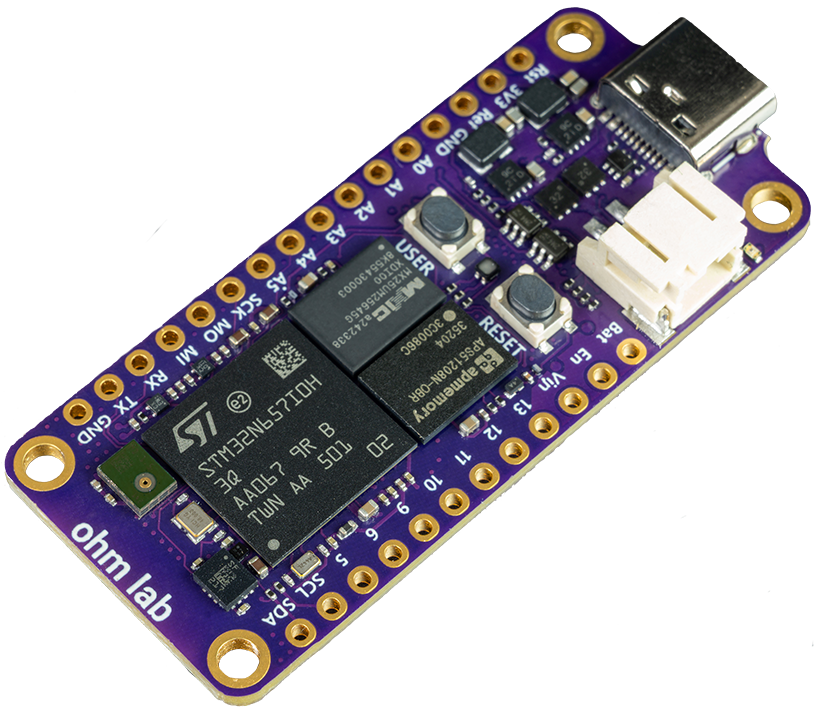
600 GOPS
Peak NPU compute
40 ms
YOLOv8n inference
~750 mW
Total power draw
Powered by the STM32N6.
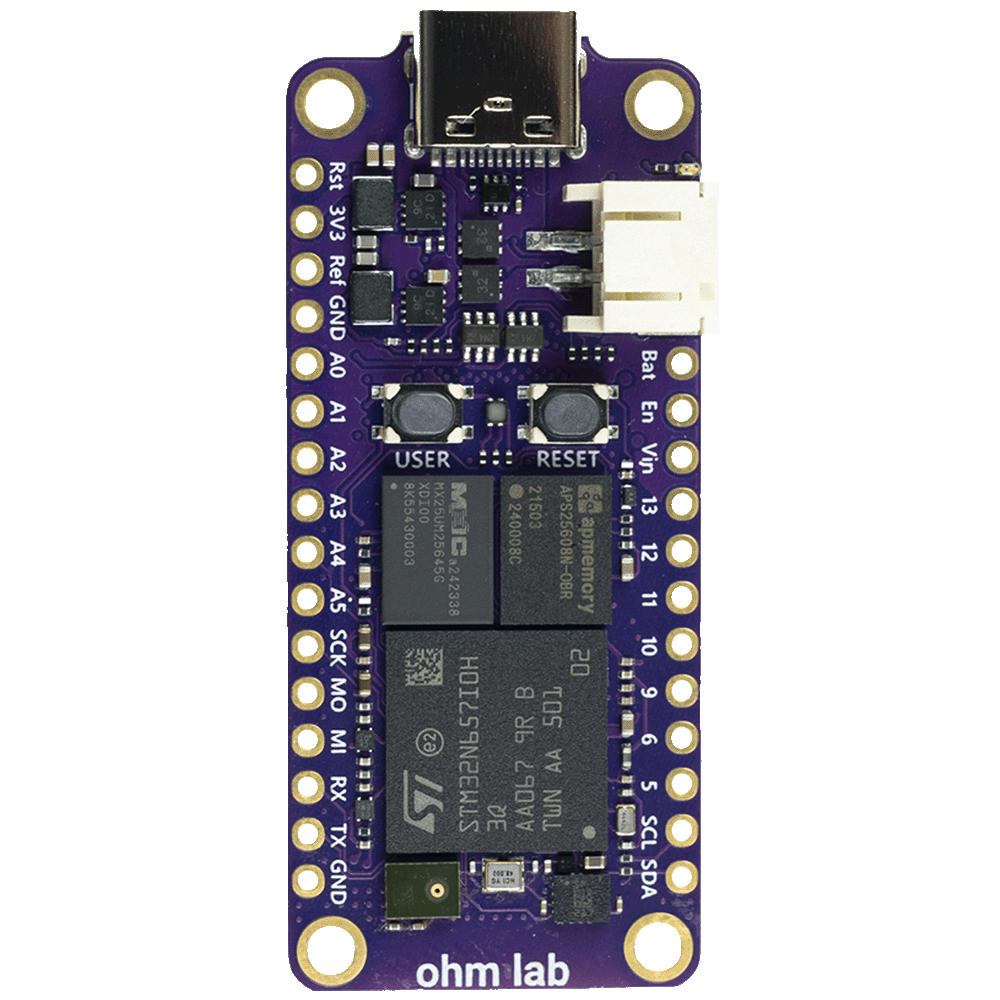
An 800 MHz Arm Cortex-M55 and 1 GHz Neural-ART NPU, plus a built-in ISP, H.264 encoding and a NeoChrom GPU. A complete vision pipeline on one board.
- cpu
- Arm Cortex-M55 at 800 MHz
- npu
- Neural-ART at 1 GHz, up to 600 GOPS
- isp
- Cameras up to 5MP
- video
- Hardware MJPEG and H.264 encoding
- gpu
- NeoChrom, for image manipulation
- memory
- 64MB OSPI RAM, 32MB flash
- format
- Arduino-compatible, Feather form factor
- power
- About 750 mW in total
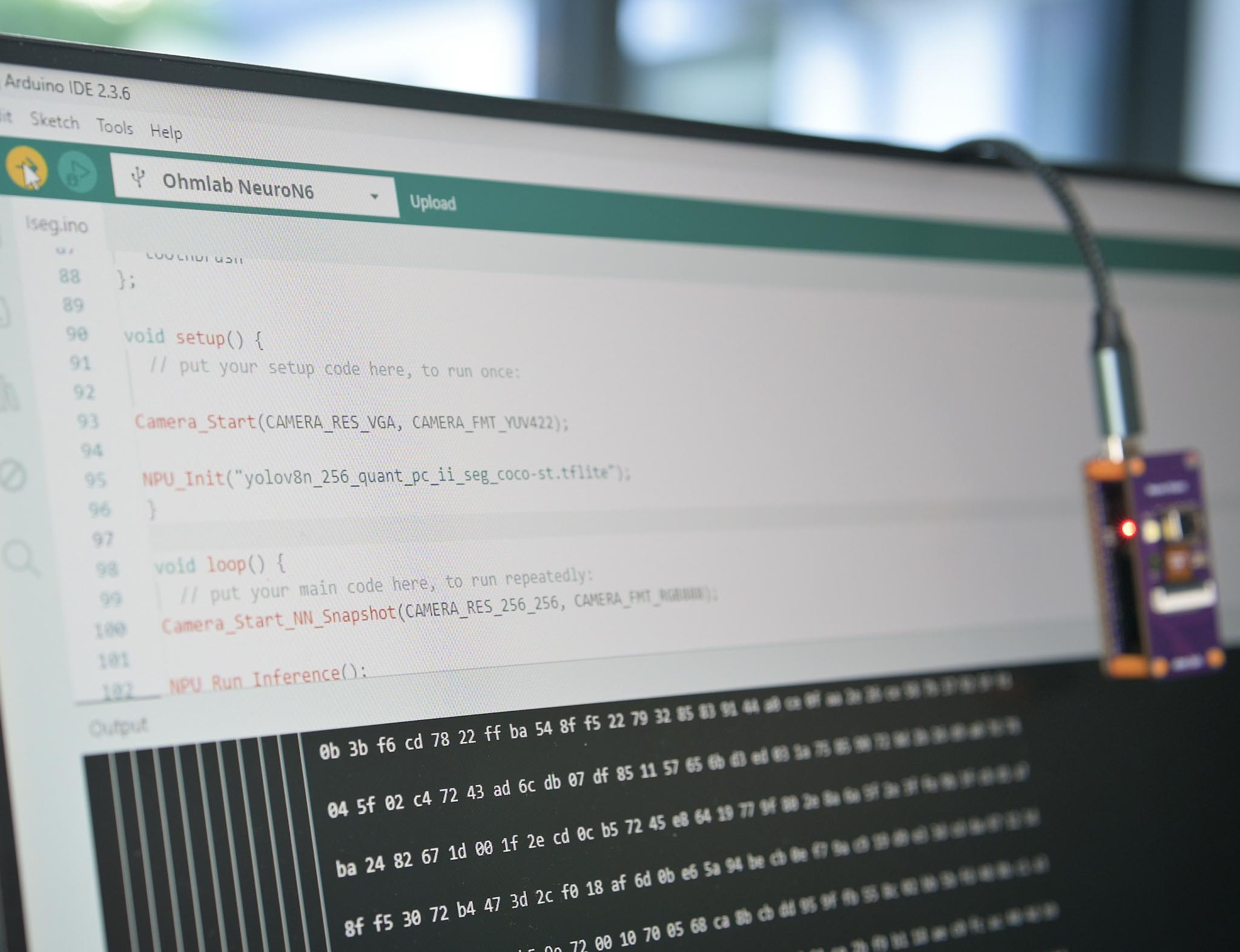
One of the first Arduino boards with a dedicated NPU.
Camera capture, pre-processing, inference and results all live in a single Arduino sketch. Our libraries handle the STM32N6 peripheral setup, so there is no DMA configuration or register work.
From blink to pose estimation.
The same setup() and loop() you already know. Flip between the first sketch everyone writes and a YOLOv8 pose model running on the NPU.
- setup()
- Runs once: camera, model and post-processing
- loop()
- Runs forever: capture, infer, overlay, stream
#include <OV5640_Arduino.h>
#include <PostProcess.h>

// Compile the model into the sketch from a .tflite file
#pragma neuron6 model="yolov8n_256_quant_pose_coco.tflite" name=yolov8_mpe

OV5640 camera;
// YOLOv8 multi-pose estimation
NEURON6_DECLARE_MODEL(yolov8_mpe);

void setup() {
  VisionConfig cfg;
  cfg.camera    = CAMERA_WVGA;
  cfg.fps       = FPS_60;
  // Stream to Neuro Studio
  cfg.transport = TRANSPORT_USB;

  // Confidence and IoU thresholds
  Vision.begin(&NN_Instance_yolov8_mpe,
               PostProcess_YOLOv8_MPE(0.4f, 0.5f),
               cfg);
}

void loop() {
  // Capture, infer, overlay, stream
  Vision.run();
}
Vision AI, made simple.
Up to 600 GOPS of on-device AI in an Arduino-compatible board, with a family of swappable vision modules.
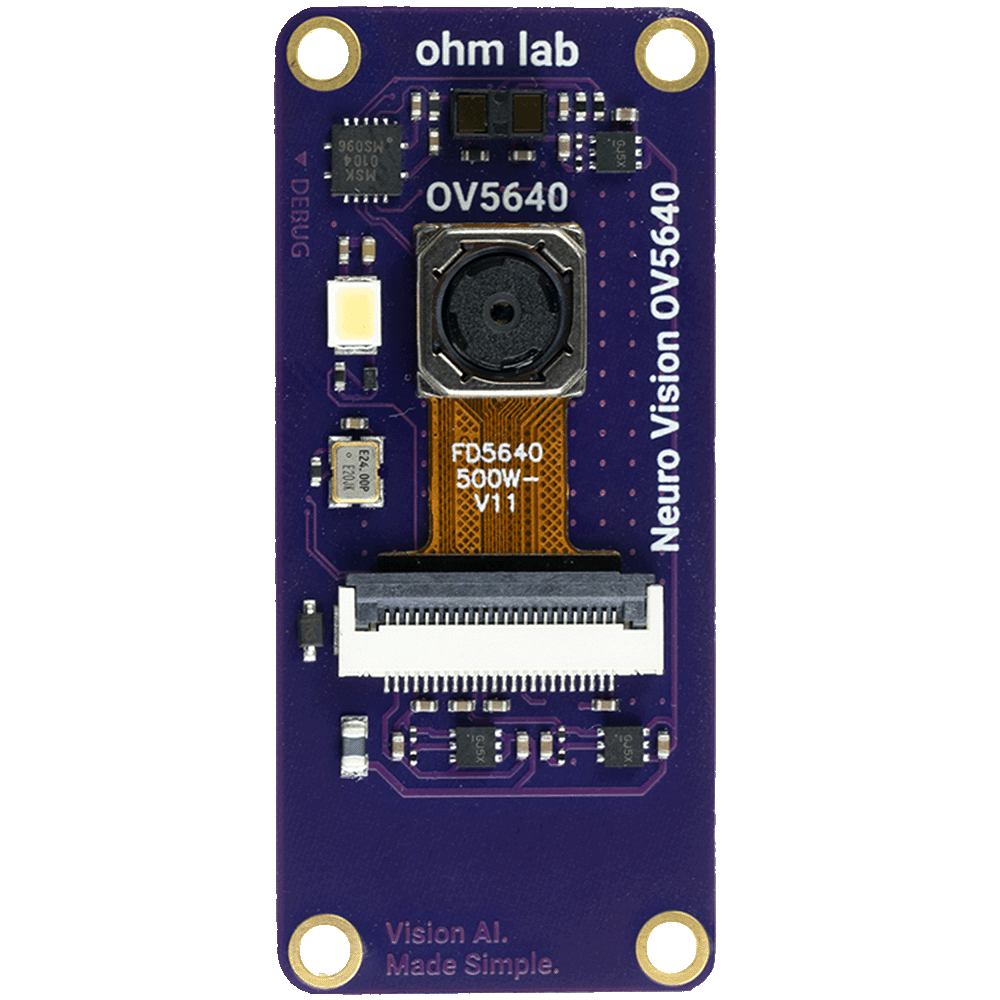
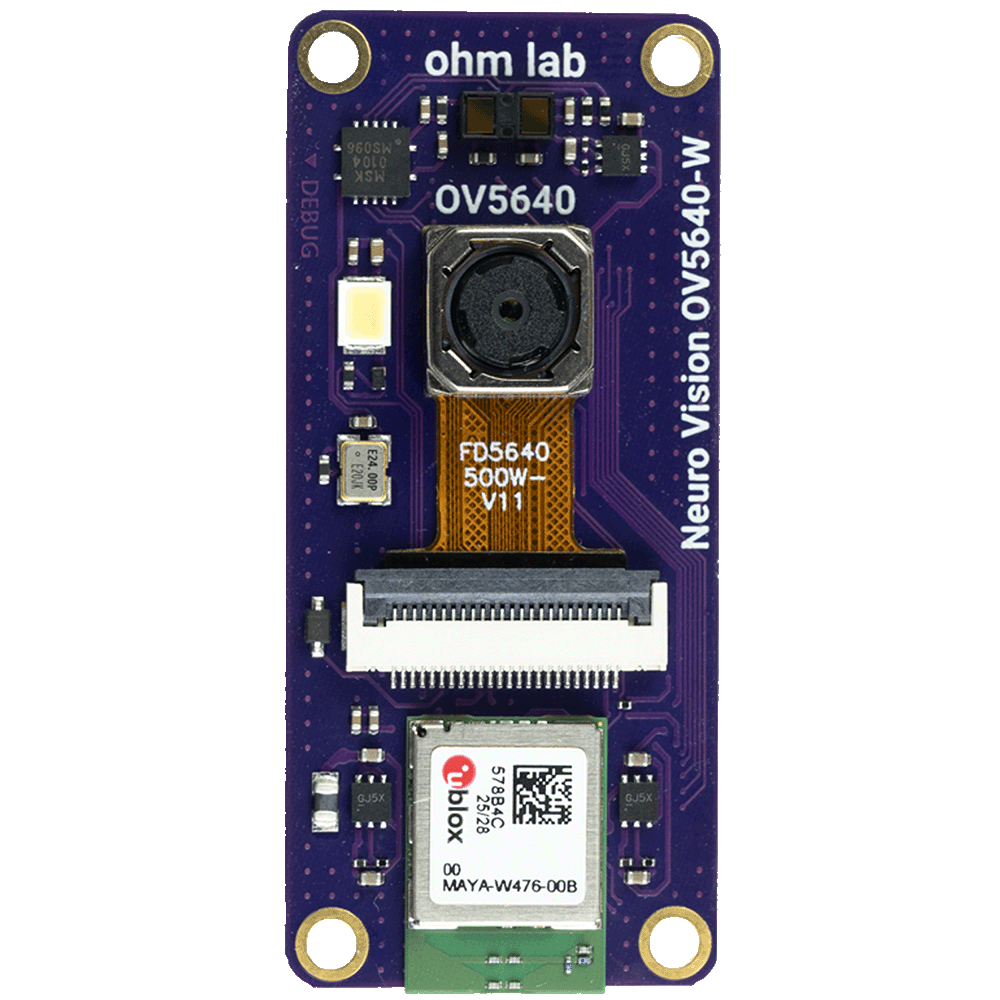
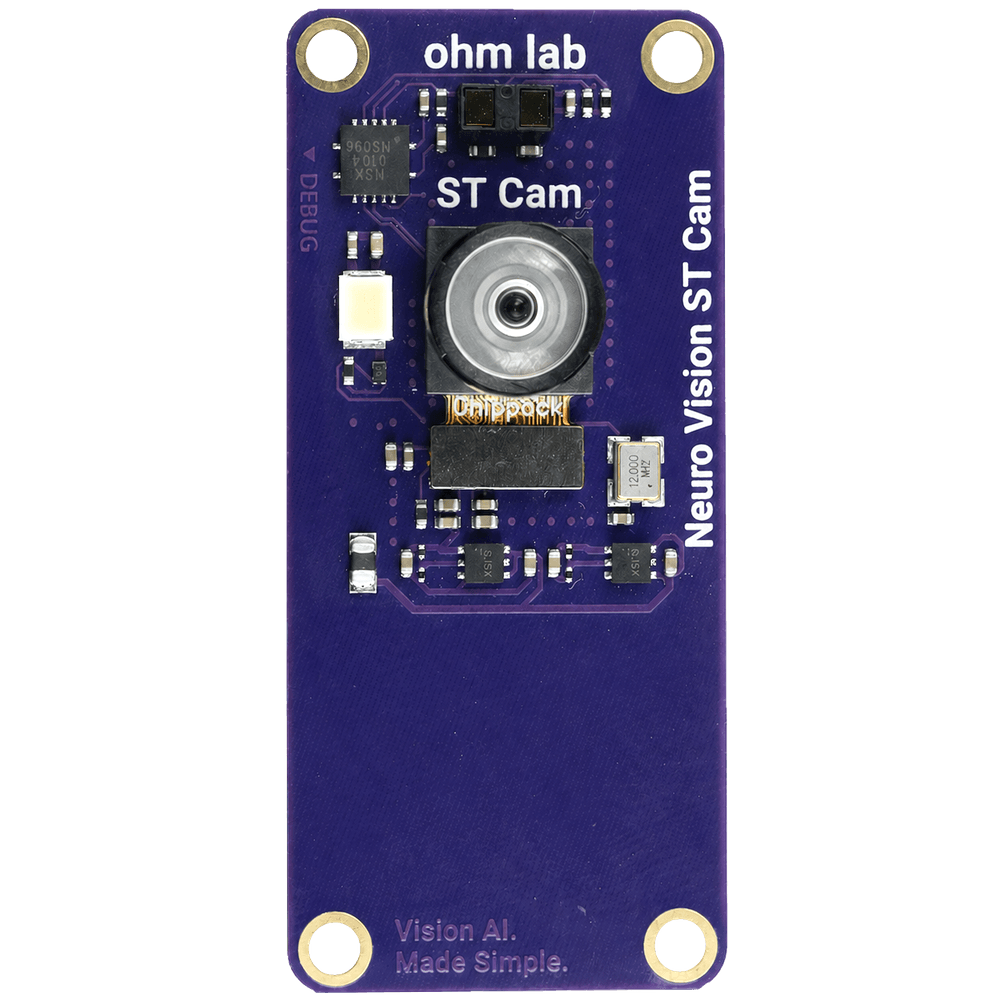
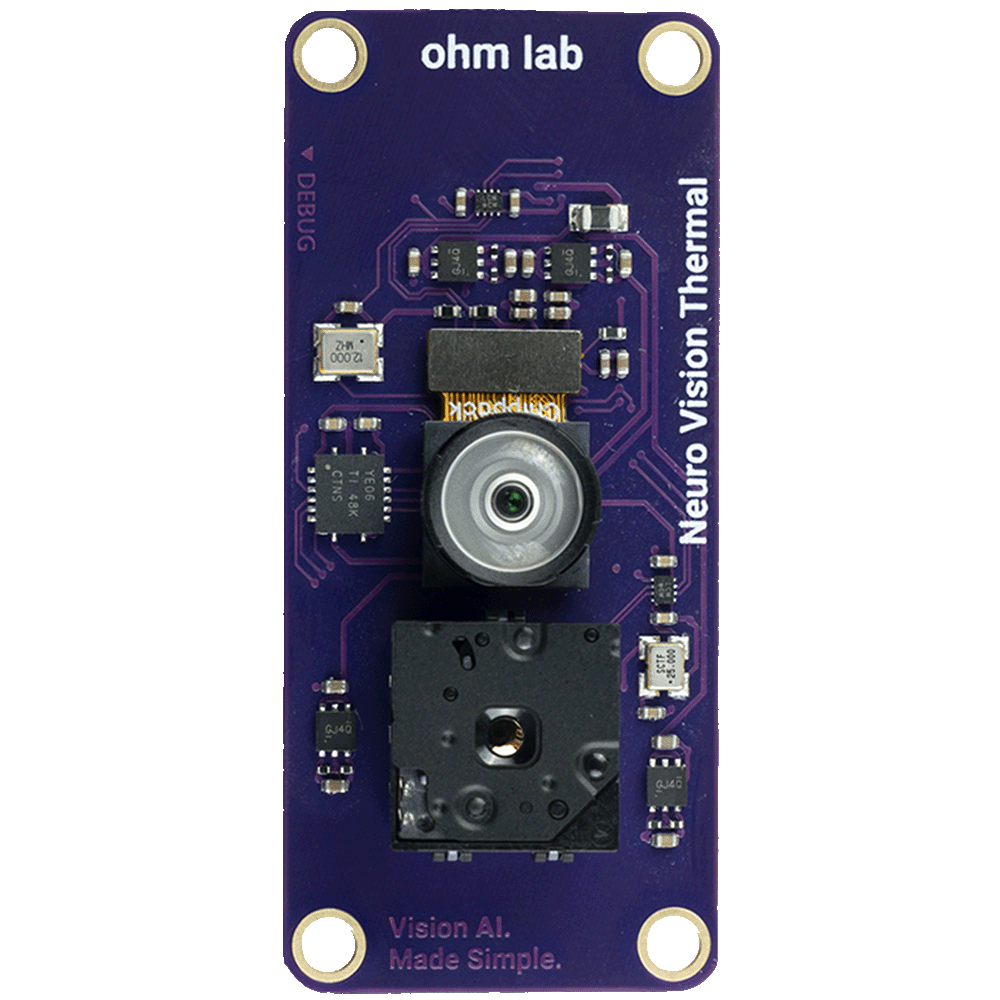
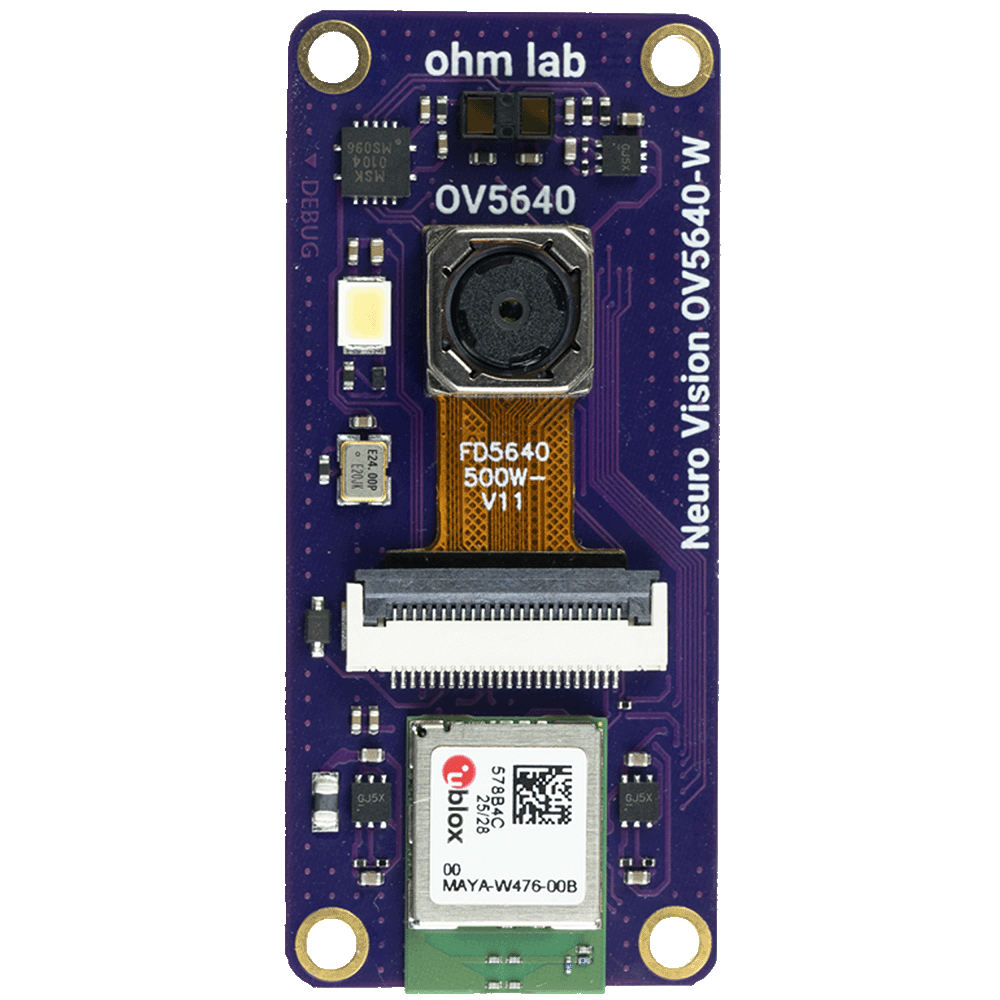
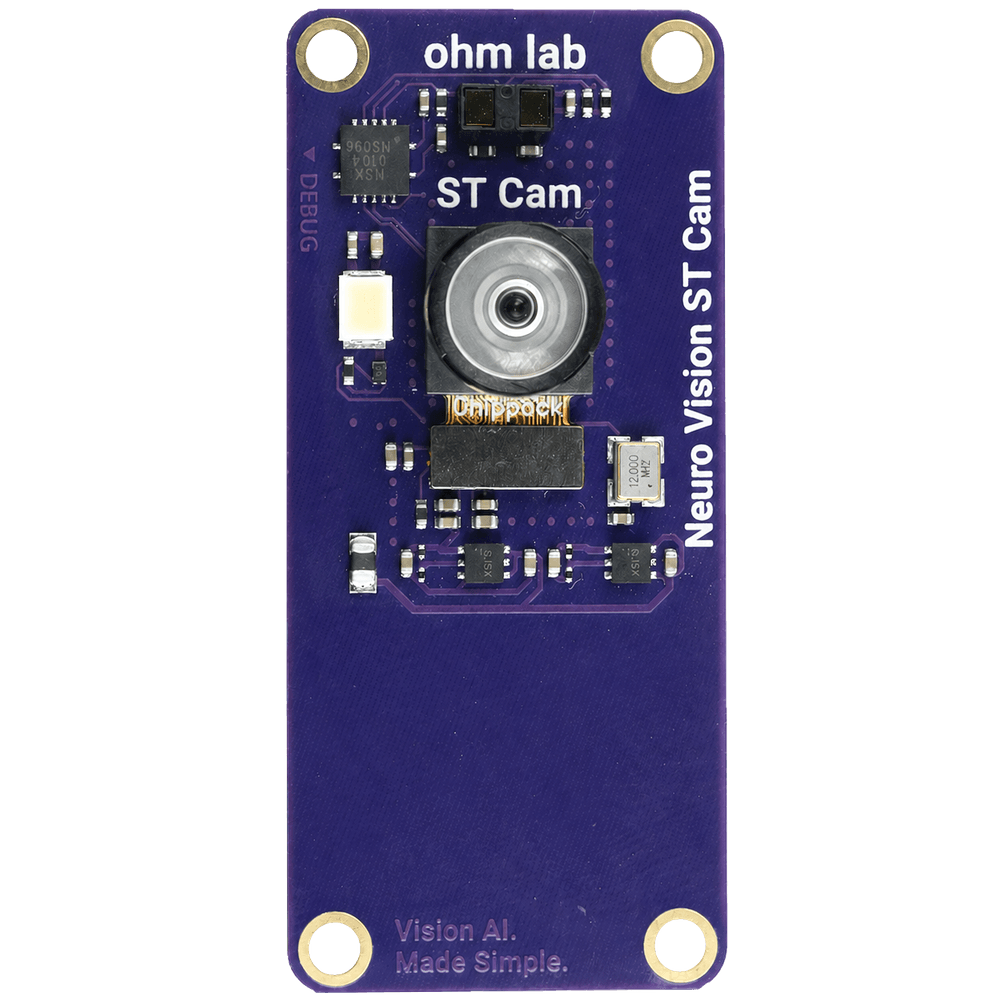
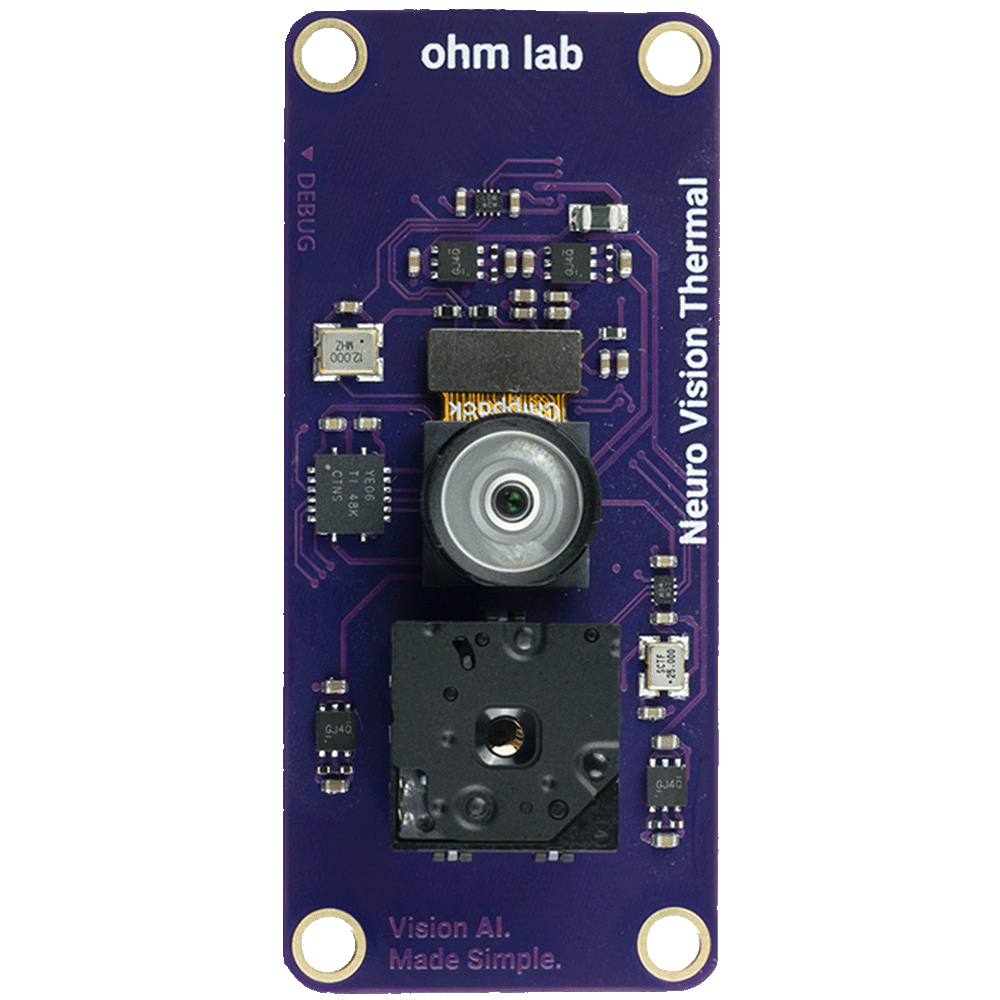
Pick your sensor.
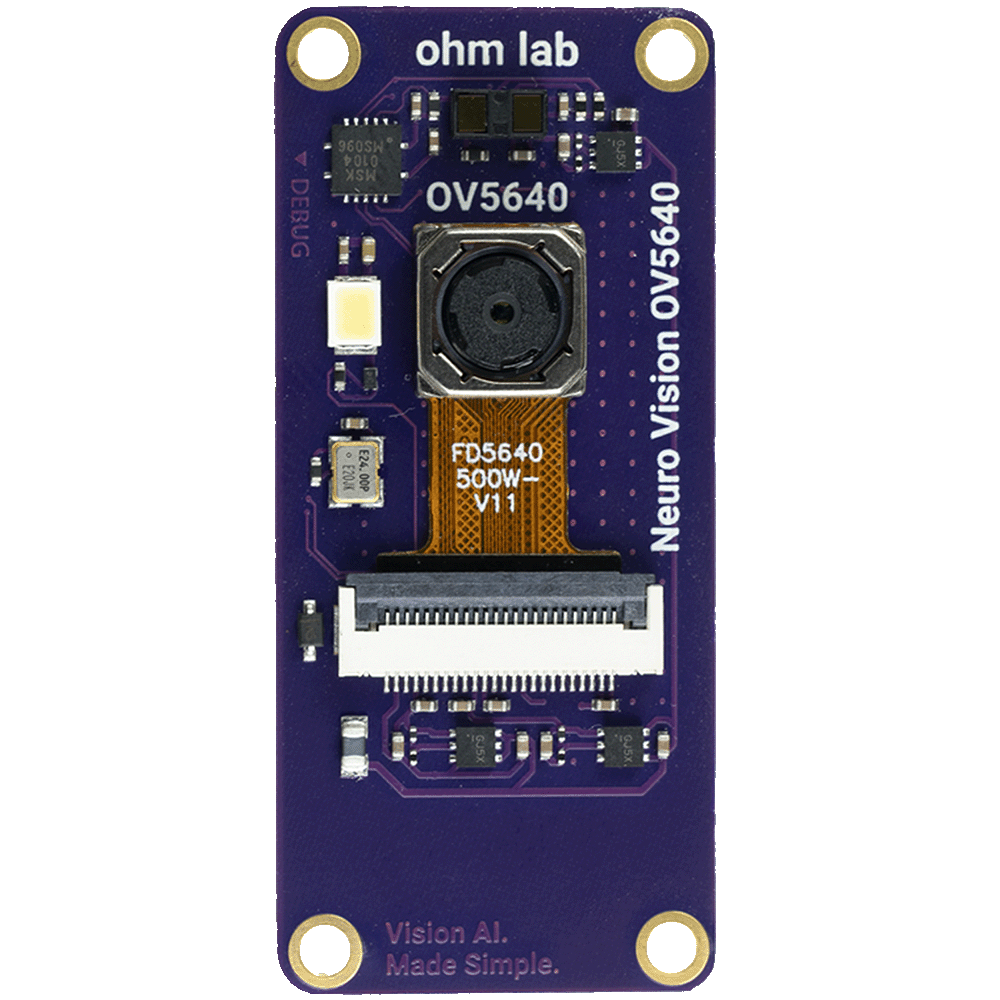
Neuro Vision OV5640
- 5MP rolling shutter with autofocus
- 67° field of view
- Time-of-flight distance sensor
- Strobe LED
£29Connects directly to the back of the Neuro N6
What will you build?
600 GOPS in a Feather form factor, drawing milliwatts.
Wildlife and trail cameras
Build low-power, battery-operated wildlife cameras using on-device AI and duty-cycled operation.
Autonomous robots
Perception on-board, with no laptop or Wi-Fi tether.
Wearable devices
Activity recognition on a board small enough to wear.
Smart cameras and security
Local alerts, with no subscription or cloud footage.
Sound and keyword detection
Always-listening audio models with millisecond inference.
Custom defect detection
Train and deploy your own inspection models.
Neuro Studio.
It ships with the board and will be open source. Connect over USB or Wi-Fi and see exactly what the NPU is doing: boxes, labels, confidence, frame rate and timing, live, with no configuration.
- Live camera preview over USB or Wi-Fi
- Real-time inference overlay
- Frame rate and timing metrics
- Toggleable bounding boxes
- Snapshot and video recording
- macOS · Windows · Linux
Open-source hardware and software, with design files being released as development progresses.
The Neuro N6 schematics are already on GitHub, and the Arduino core and Neuro Studio will follow.
ohmlab-ltd/
Arduino CoreFinal testing
Full library support for the STM32N6 NPU, camera and peripherals. Install it from the Arduino IDE Boards Manager.
Neuro StudioFinal testing
Desktop app for live inference visualisation, debug overlays and session recording. Will be open source.
Hardware designPost-launch
Schematics and PCB files for the Neuro N6 and every Neuro Vision module.
Model workflowIn development
Train, quantise and deploy your own models. Docs and tooling follow as the workflow matures.
Software tooling for edge AI.
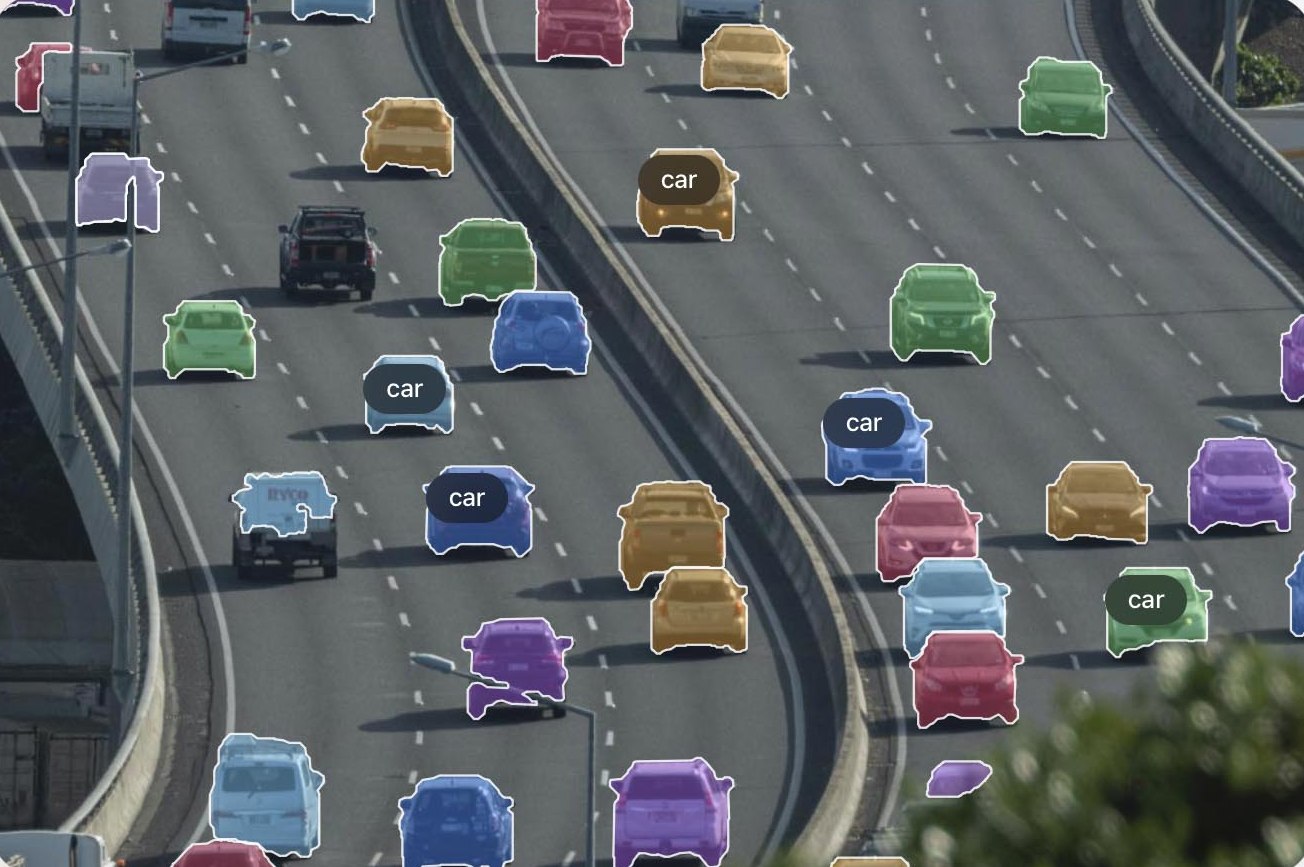
PixelKit preps and labels datasets, Neuro Studio shows your model running on real hardware, and an open Arduino core ties it into Neuro N6. We built each one because we needed it.
1data
PixelKit
Prepare and export training data for vision models.
Try PixelKit for free2code
Arduino Core
Build with the Arduino core and libraries. The schematics are already on GitHub.
Explore the files3debug
Neuro Studio
Stream frames, detections, confidence and timing from Neuro N6 over USB or Wi-Fi.
See Neuro Studio
Get the Neuro N6.
Pre-order now, or join the mailing list for development updates, early Neuro Studio access and Arduino library drops.
// no spam, unsubscribe any time.